

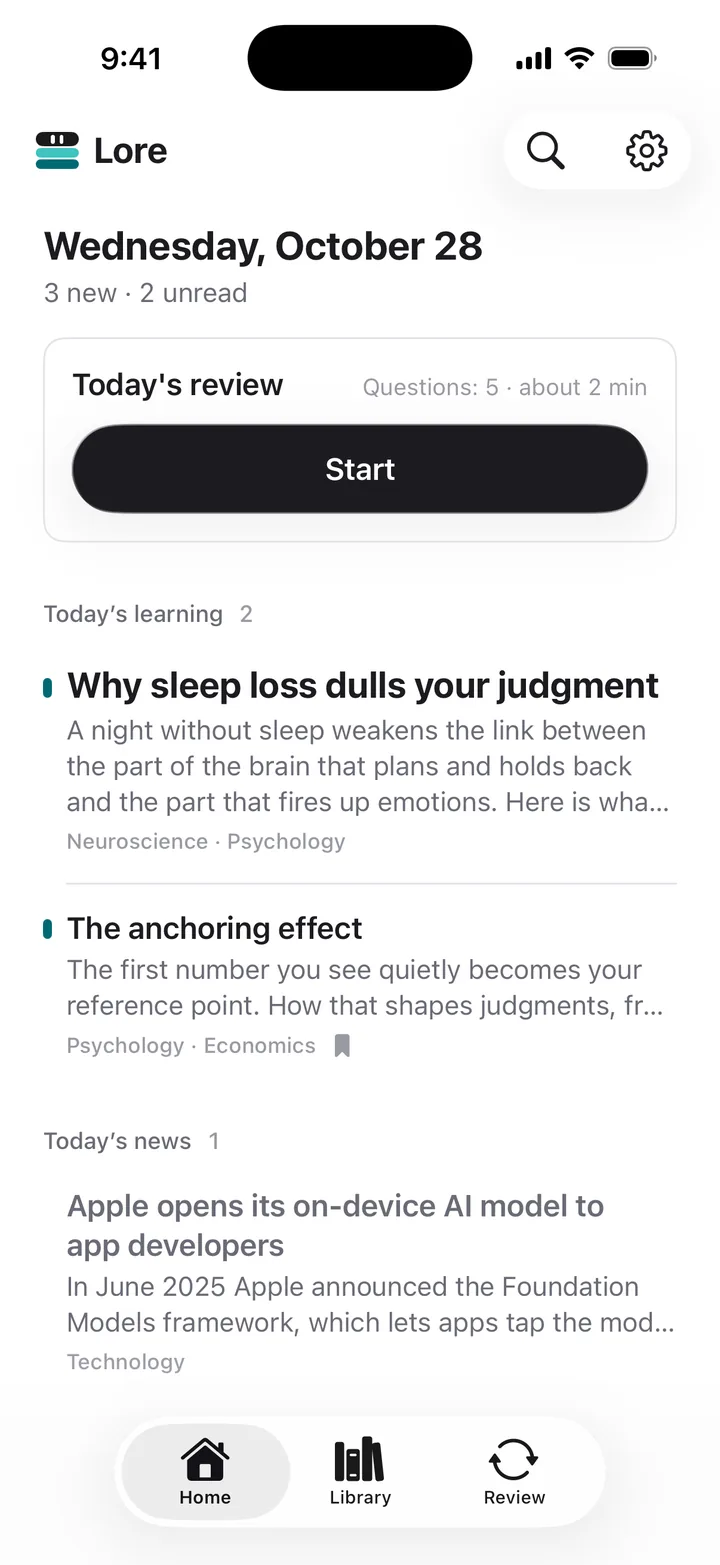




Everything new, on one screen
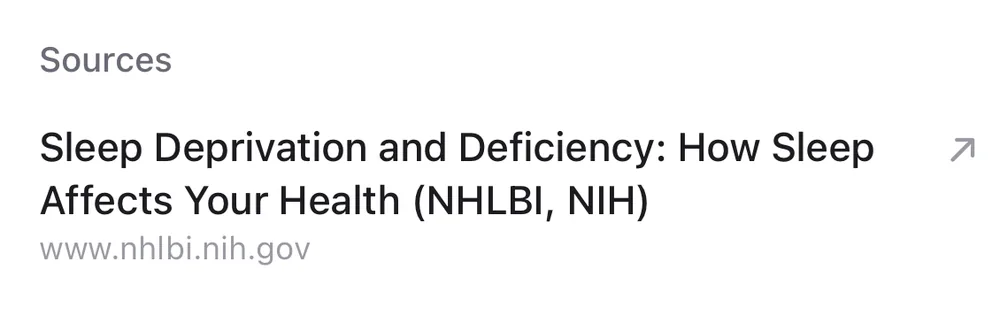
Learning articles on psychology, neuroscience and general knowledge, plus tech and world news, line up on today’s Home. Read articles with images and sources, organize them with tags and search them later.
Quizzed just as you start to forget
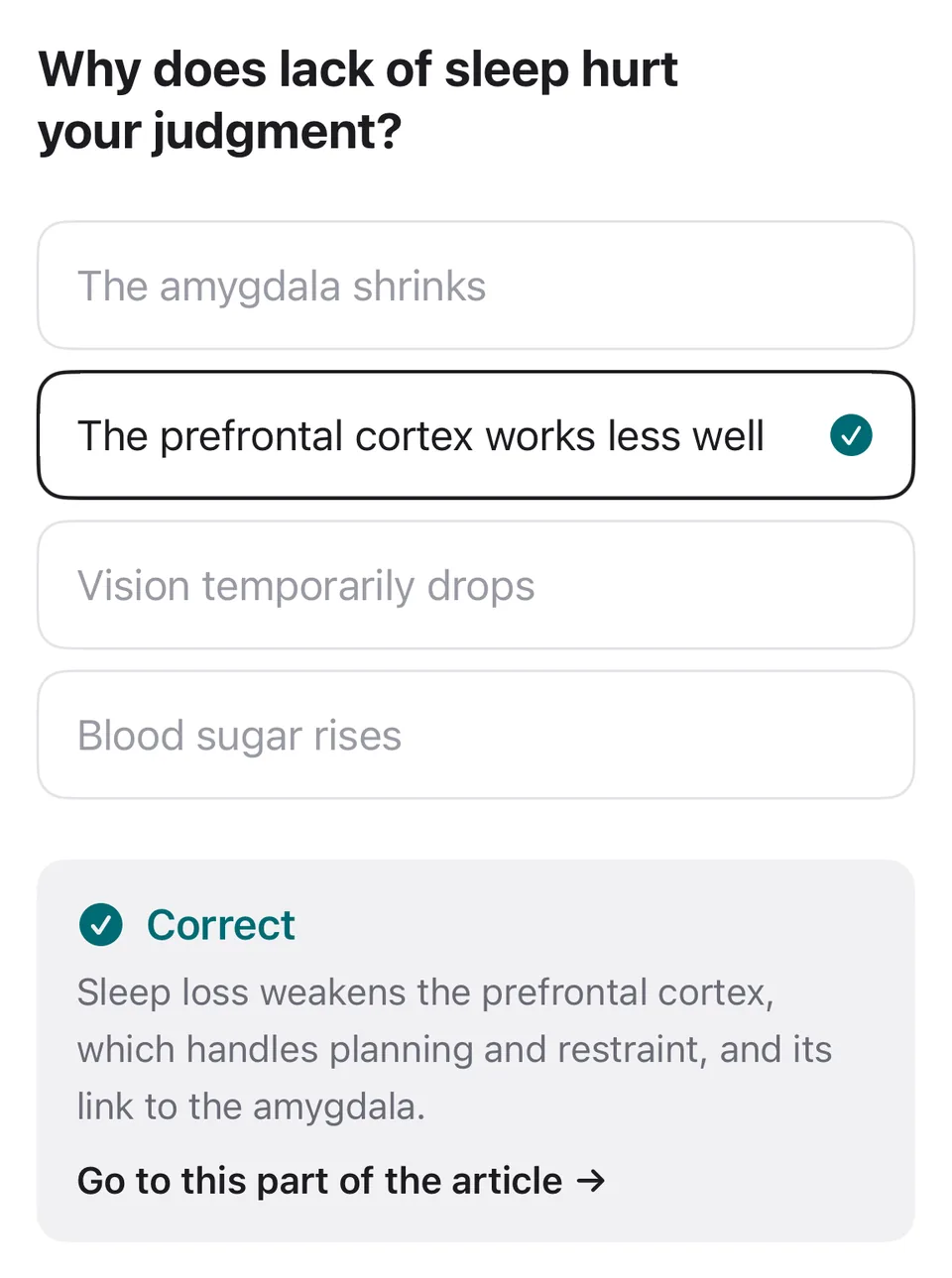
Questions from what you read come back the next day, after 3 days, a week and 3 weeks, just as you start to forget. Each correct answer pushes the next one further out; missed ones return tomorrow. At the end of an article you can answer up to 3 questions right away.
- Next day
- After 3 days
- After a week
- After 3 weeks


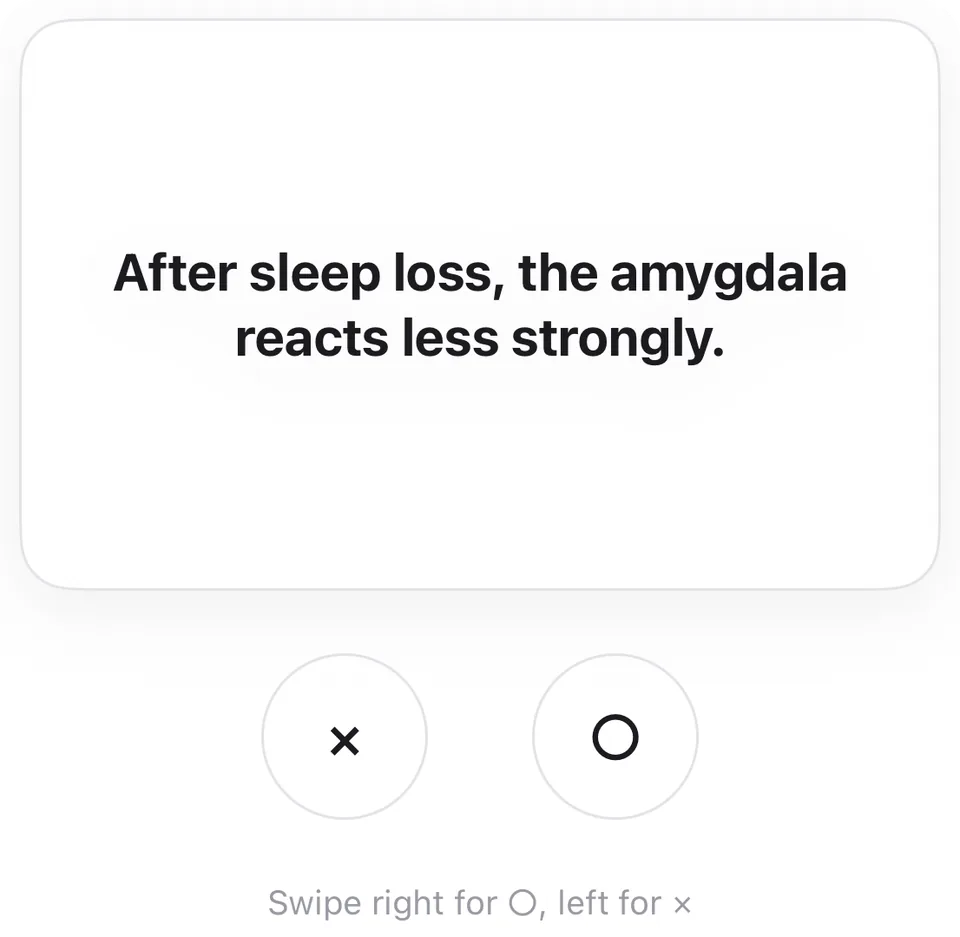


True or false? Swipe to answer
Besides multiple choice, true/false questions are answered by swiping the card left or right. Quick enough for a spare minute.
Swipe right for ○, left for ×
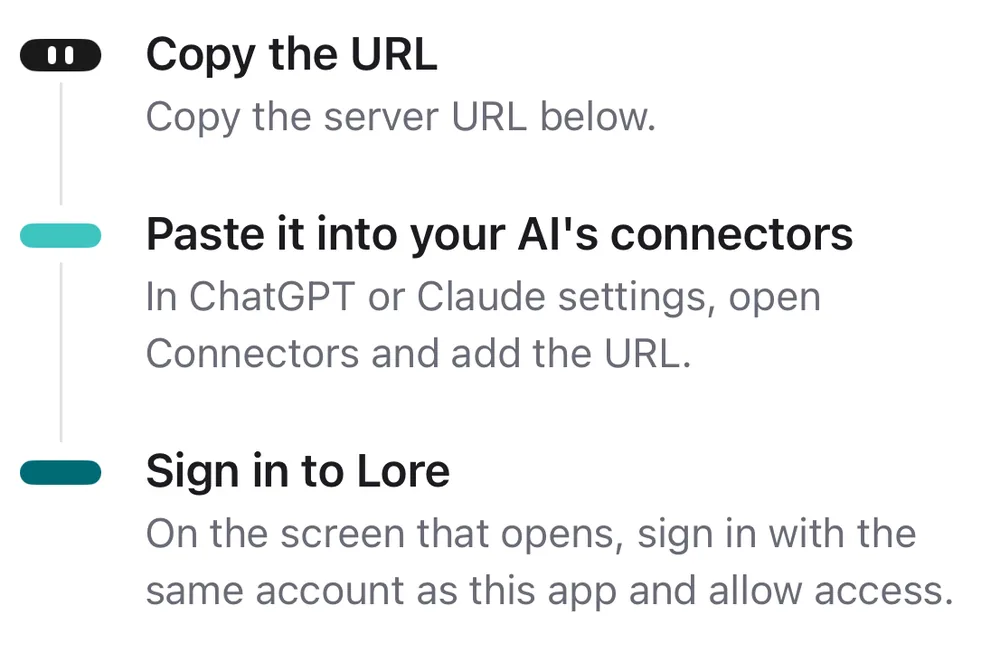
Connect your AI with one URL
Your own AI is what delivers articles to Lore. In Settings, open Connect your AI, copy the URL, add it as a connector in ChatGPT or Claude and sign in with your Lore account. Connecting needs Lore Pro. In ChatGPT, adding a custom connector currently needs developer mode, which requires a paid plan. In Claude, add it under Settings, Connectors.
https://mcp.lore.protoductai.com/mcp 
Today's reading, at a glance
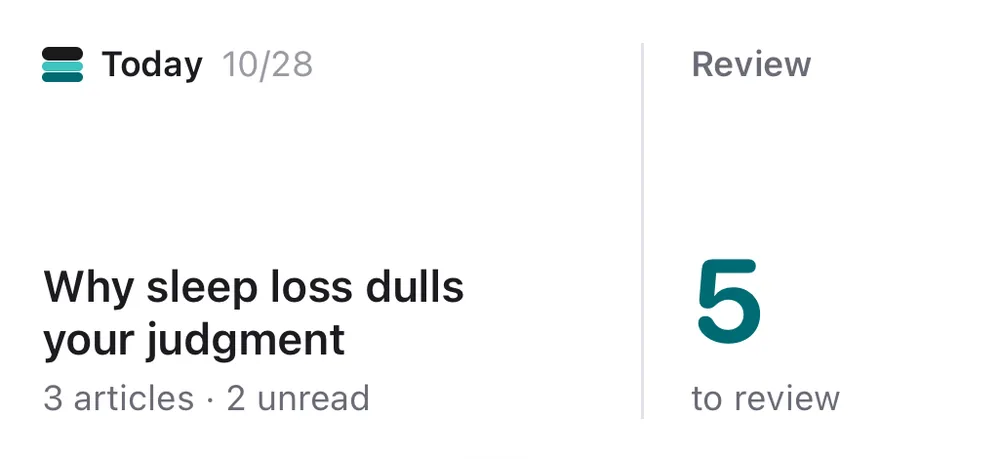
Put the “Today in Lore” widget on your Home Screen or Lock Screen to see how many articles arrived today and how many reviews are due. Lore can also notify you when new articles arrive and, on review days, at a time you choose. Turn notifications on or off anytime in Settings.


Frequently asked questions
What is Lore?
Lore is an iPhone app that receives articles researched and written by your own AI, such as ChatGPT or Claude, and helps you remember them with spaced review quizzes. The AI does the researching and writing; the app is where you read, organize and review.
Do I need ChatGPT or Claude?
Yes. Writing articles, collecting news and a daily delivery are set up on your own AI service. Lore itself does not write articles. The AI service may charge its own fees.
How do I connect ChatGPT or Claude?
In Settings, open Connect your AI and copy the URL. Add it as a connector in your AI and sign in with the same account as in the app. In ChatGPT, adding a custom connector currently needs developer mode, which requires a paid plan. In Claude, add it under Settings, Connectors. The connection guide has the steps.
When do the review quizzes come back?
Questions from an article you read return the next day, after 3 days, after a week and after 3 weeks. Each correct answer pushes the next one further out, and missed questions come back tomorrow. You get multiple choice, and true/false cards you swipe.
Is Lore free?
Lore requires an account and Lore Pro, a subscription. New subscribers get a free trial. The price and trial length are shown on the purchase screen, and you are not charged if you cancel during the trial.
Are the articles accurate?
Articles are written by an AI such as ChatGPT or Claude, so they can contain mistakes. They come with sources, so check the sources and the dates. They are not a substitute for professional medical, legal or financial advice.
Is there a widget?
Yes. The “Today in Lore” widget works on the Home Screen and Lock Screen and shows today’s article count and the reviews still due.
How do I delete my account and data?
Request it in the app under Settings, Delete account, or use the data deletion page if you no longer have the app. Deleting your data does not cancel your App Store subscription, so cancel it first in iPhone Settings.
Connect once, and your AI can deliver every morning.
Read your AI’s research, remember it, and make it yours.

Lore Pro required. Free trial available. For iPhone.